Every discussion of cloud cost incidents focuses on the cause. The more useful number is how long it ran before anyone noticed, because that is the term that actually determines the size of the loss.
The arithmetic
A cost incident has a burn rate and a duration. The loss is the product.
The burn rate is set by whatever went wrong and you have limited control over it. The duration is set by your detection mechanism, and you have complete control over it.
A resource burning $400 a day costs $400 caught on day one and $12,000 caught at month end. Same fault, same rate, thirty times the loss. Nothing about the fault changed — only how long it was allowed to continue.
This is why detection latency is the number worth attacking. It is the only variable in the equation you own.
What the actual latency usually is
Be honest about which of these describes your team.
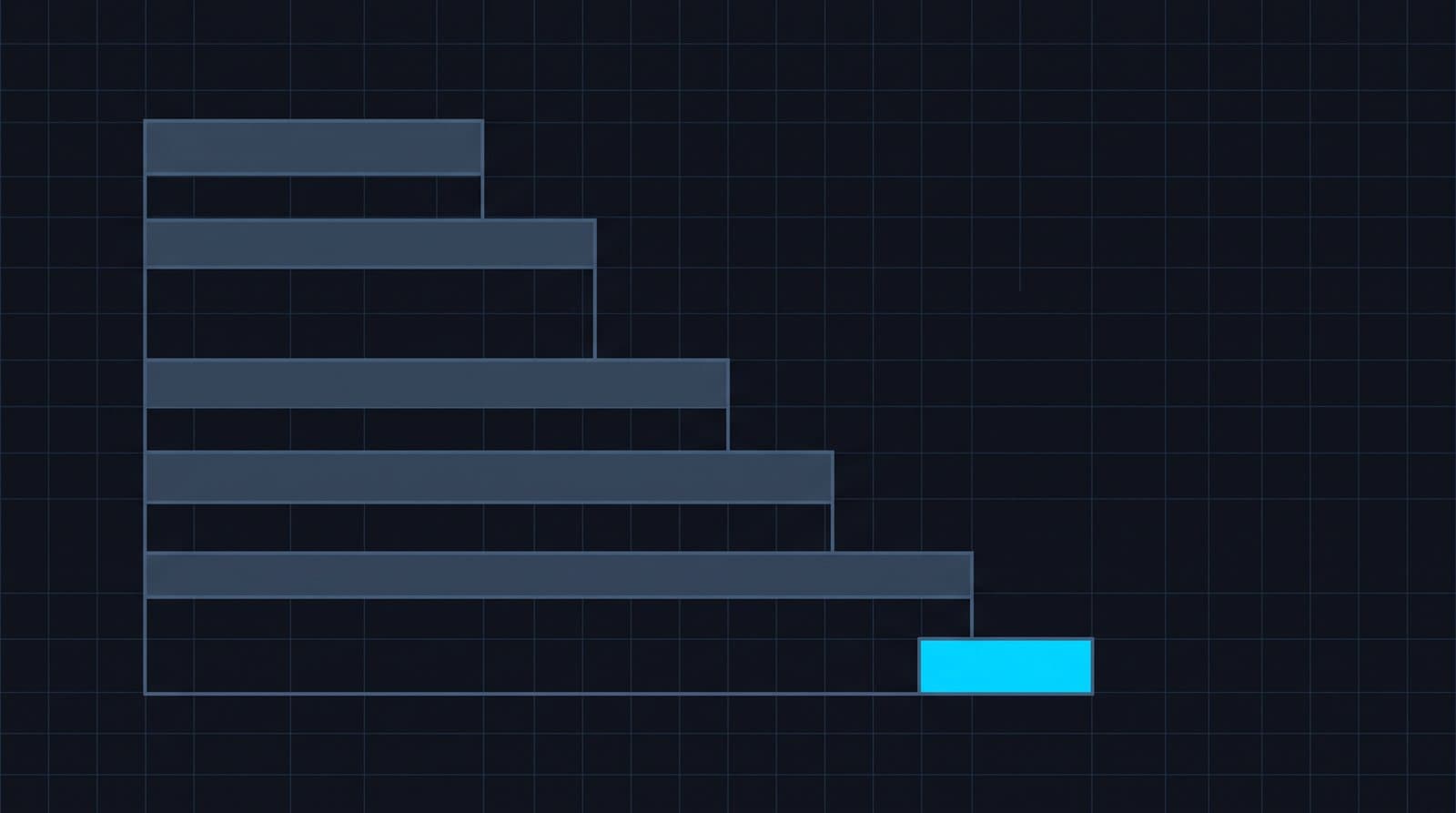
The invoice. Two to four weeks, averaging around three. Still the most common mechanism, however uncomfortable that is to write down.
Somebody checking a dashboard. In theory a few days. In practice, dashboards get checked when things are calm and ignored when they are busy — and busy periods are when spend moves. Call it one to two weeks realistically.
A budget threshold. Depends entirely on where the threshold sits relative to the incident. A spike large enough to breach an 80% threshold on day nine gets caught quickly; one that leaves the total under budget is never caught at all.
Anomaly detection against a baseline. Same day or next day, because the comparison is against the service's own recent behaviour rather than a total.
The gap between the first and last of those is roughly thirty-fold on the same incident.
Why dashboards do not shorten it
A dashboard is a pull mechanism. It converts detection into a habit, and habits fail under exactly the conditions that produce cost incidents: a busy sprint, an incident elsewhere, someone on leave, a migration.
There is also an interpretation cost. Even a good dashboard requires you to know what normal looks like for each service, which nobody holds in their head across twenty services. So the dashboard gets checked, looks broadly fine, and the $40-a-day service now costing $5,000 is not noticed because nobody remembers it used to cost $40.
Detection has to be pushed and it has to carry its own interpretation — the deviation, not just the value.
Why absolute thresholds detect late
The reason thresholds fail is that they are set against totals, and incidents start small in total terms.
Four hours into a $5,000-an-hour incident you are $20,000 down, which is severe. But against a $150,000 monthly spend, the day's total is high rather than alarming — the sort of number a team explains away as a backfill.
A per-service baseline sees the same event as a hundred-fold deviation in hour one, because it is comparing the service against itself rather than against the organisation's total. That comparison is what makes early detection possible at all.
What a day is worth
A useful exercise: take your last cost incident, whatever it was, and calculate what one day of earlier detection would have saved. Then multiply by how often something similar happens.
Most teams doing this arrive at a figure substantially larger than the cost of the monitoring, which is why the business case for detection is usually easier to make than the business case for optimisation. Optimisation saves a percentage of a known bill; detection removes a multiplier from an unknown one.
Reducing it
Baselines per service, not thresholds on totals. The only approach that catches proportionally large deviations in small services.
Push, do not pull. A daily signal to where the team works. If it requires someone to remember, it will fail in the week it matters.
Include the interpretation. Deviation against normal, not a raw figure. A number without context still requires the reader to know what normal was.
Cover every provider. Detection on 60% of spend leaves 40% undetected, and incidents do not respect your coverage.
StackSpend builds a statistical baseline per provider and service and flags deviation the same day, pushed to Slack with the size of the deviation attached. In our own estate that turned a compromised service role burning $5,000 an hour into a two-hour incident rather than a month-long one, which is the entire argument in one number.
FAQ
How long does it typically take to notice a cloud cost spike?
For teams relying on the monthly invoice, two to four weeks. Dashboard checks realistically give one to two weeks because they lapse during busy periods. Anomaly detection against a per-service baseline gives same or next day.
Why is detection time more important than the cause?
Because the loss is burn rate multiplied by duration, and duration is the term you control. The same fault costs thirty times more caught at month end than on day one.
Why don't cost dashboards catch problems quickly?
They require someone to look on the specific day something went wrong, and they require the reader to know what normal looks like for that service. Both fail during busy periods, which is when spend tends to move.
What is a realistic target for cost detection latency?
Same day is achievable with baseline-based anomaly detection on every provider. Anything measured in weeks means the invoice is still doing the detecting.